
 #5 of 13 in Keyboards & Mice
Trackpadby Apple
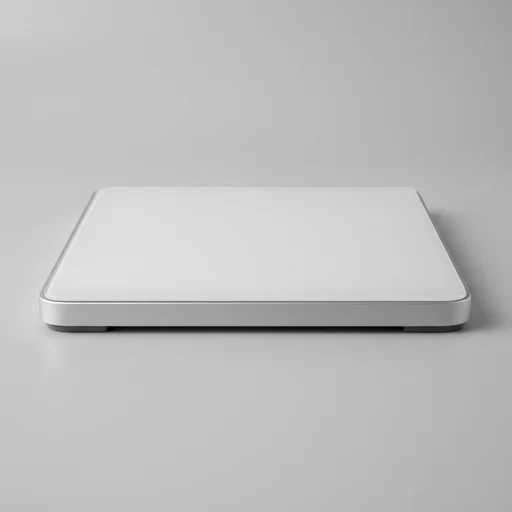
Apple Magic Trackpad
The Apple Magic Trackpad remains the gold standard for Mac users who want precise, responsive cursor control paired with intuitive gesture navigation.
- Build quality8.5
- Performance8.6
- Ease of use8.6
- Value8.4
- Precision Force Touch clicks
- Weeks of battery life
- Seamless macOS gestures
As an Amazon Associate we earn from qualifying purchases. Price and availability are shown on Amazon.
Our take
What it's like to live with
The Apple Trackpad, known widely as the Magic Trackpad, brings the same intuitive, multi-touch surface found on MacBook keyboards to desktop setups and workstations where a traditional mouse simply does not offer the same fluidity. Crafted from a single sheet of glass, the surface feels seamless under the fingertips, allowing gestures to glide without friction or hesitation. Beneath that glass lies Apple's Force Touch technology, which replaces a mechanical click with pressure-sensing sensors and a Taptic Engine, delivering a responsive click-like feedback no matter where you press across the entire surface. This uniformity means there is no dead zone, no awkward corner that fails to register a click, which is a noticeable improvement over older trackpads that relied on a hinge at the top.
Designed to pair effortlessly with Mac computers and, in many workflows, alongside an iPad as a secondary input device, the trackpad connects via Bluetooth and charges through a built-in rechargeable battery, eliminating the clutter of disposable batteries or tangled cables. A single charge is engineered to last roughly a month under typical use, and a quick ten-minute charge through the Lightning or USB-C cable can provide enough power for a full day's work when time is short. The anodized aluminum base gives it a sturdy, low-profile footprint on any desk, while rubber feet keep it steady during rapid swipes, pinches, and multi-finger gestures. Its size strikes a balance between portability and usable surface area, making it a natural companion for those who split time between a laptop docked at a desk and an iPad used for lighter tasks elsewhere.
What truly distinguishes this trackpad within the laptop and tablet accessories category is its deep integration with macOS gestures, such as three-finger swipes to switch between full-screen apps, pinch-to-zoom for photos and PDFs, and two-finger scrolling that feels remarkably natural compared to a standard scroll wheel. These gestures are customizable through system settings, letting users tailor the trackpad's behavior to match their workflow, whether that means productivity-focused swipes for multitasking or simplified controls for everyday browsing. For creative professionals, the pressure-sensitive clicking enables fine control in design and editing software, while the smooth glass surface supports precise cursor placement that a standard mouse can struggle to replicate. Compact, reliable, and built to extend the Apple ecosystem's signature touch-based interaction beyond the laptop lid, this trackpad remains a staple accessory for anyone seeking a more connected, gesture-driven way to navigate their Mac or complement their iPad setup.
Spec sheet
Technical specifications
- Connectivity
- Bluetooth 5.0 wireless
- Battery Life
- Up to 1 month
- Surface Material
- Glass with Multi-Touch
- Dimensions
- 160 x 114.9 mm
- Compatibility
- macOS 10.11 or later
- Brand
- Apple
- Type
- Trackpad
Key features
What you get
- 01Multi-Touch gesture support
- 02Force Touch pressure sensing
- 03Rechargeable built-in battery
- 04Wireless Bluetooth connectivity
- 05Lightning to USB-C charging cable included
- 06Compatible with Mac notebooks and desktops
Pros & cons
The good and the trade-offs
What we like 6
- Smooth and precise glass surface
- Excellent palm rejection
- Long battery life lasting weeks
- Seamless macOS gesture integration
- Sturdy, premium build quality
- Works wirelessly without lag
Watch out for 5
- Expensive compared to third-party trackpads
- Not compatible with Windows gestures
- No adjustable tilt angle
- Requires separate purchase from laptop
- Charging port on the edge is awkward during use
The verdict
Apple Magic Trackpad
The Apple Magic Trackpad remains the gold standard for Mac users who want precise, responsive cursor control paired with intuitive gesture navigation. While pricey, its build quality, battery longevity, and seamless macOS integration make it a worthwhile investment for anyone serious about their desktop setup.
Check price on AmazonKeep comparing
More in Keyboards & Mice
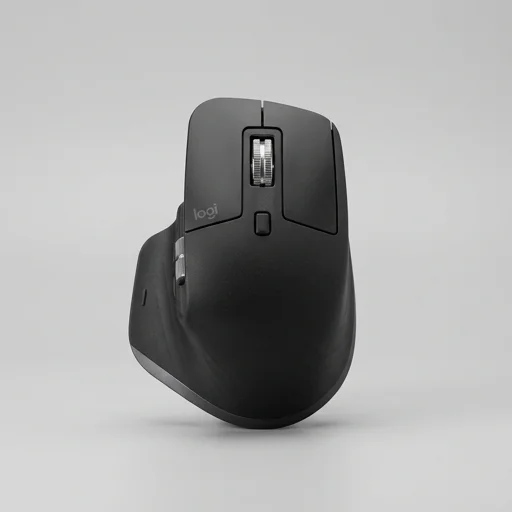 9.7Logitech MX Master 3S
- Ultra-quiet precision clicks
- 8K DPI tracking
- 70-day battery life
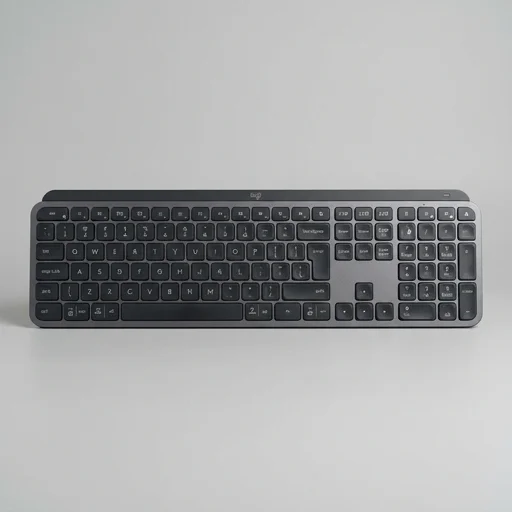 9.6Logitech MX Keys Wireless Keyboard
- Smart adaptive backlighting
- Multi-device Easy-Switch
- Long-lasting battery
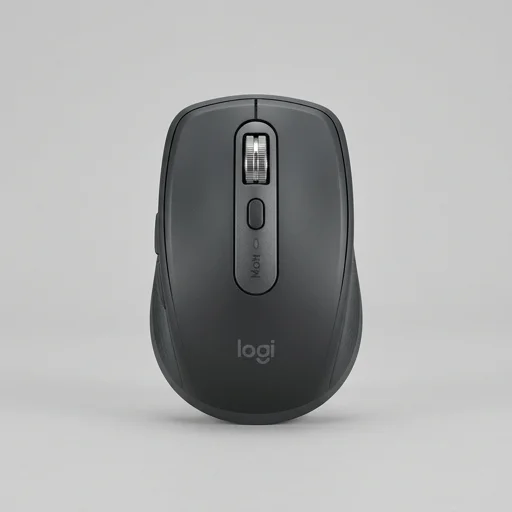 9.3Logitech MX Anywhere 3S Wireless Mouse
- Works on any surface
- Ultra-quiet clicking
- Fast USB-C charging
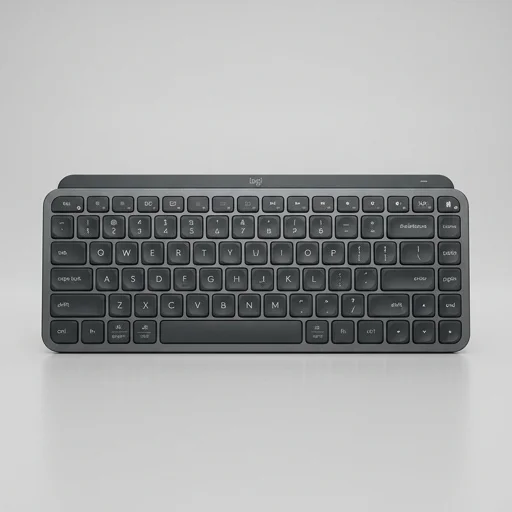 9.2Logitech MX Keys Mini
- Ultra-compact design
- Multi-device Bluetooth switching
- Smart adaptive backlighting